
Full Force STEM with teacher Chris Regini :: Student Projects
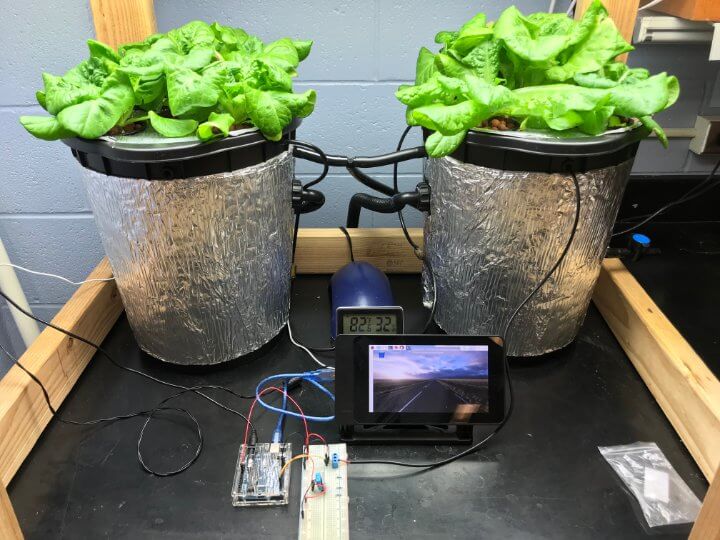
Chris Regini, a middle school teacher in New York, has been bringing STEM (and Arduino) to his classroom in full force. His current collaboration with his students is a vertical hydroponics monitoring and automation system that uses several Arduino and a Raspberry Pi 3.
Chris, why the heck did you build a vertical hydroponics monitoring and automation system?
“I wanted to give students an understanding of an alternative agricultural method for growing food in untraditional environments like urban cities, the arctic, or even Mars!
Given the nature of these locations, remote monitoring and automation would be necessary. The bottom line is that kids are going to have to be able to solve engineering problems like these in the not too distant future.”
How does this system work?
“The master monitoring system uses an Arduino mega that feeds data to a Raspberry Pi 3 attached to a 20” monitor. We are using the Cayenne IoT platform which employs an MQTT communication protocol.
The [Arduino] Mega sends air temp, humidity, lux, reservoir level, water temp, soil moisture, and system pH to the Pi via USB/Serial comms.
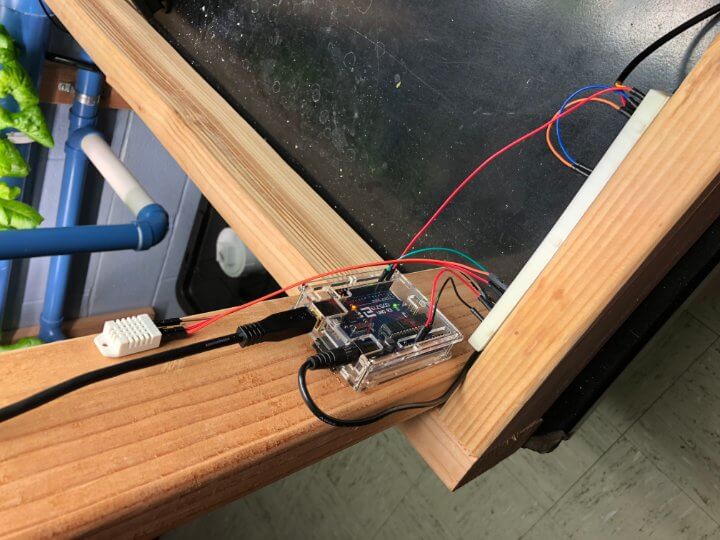
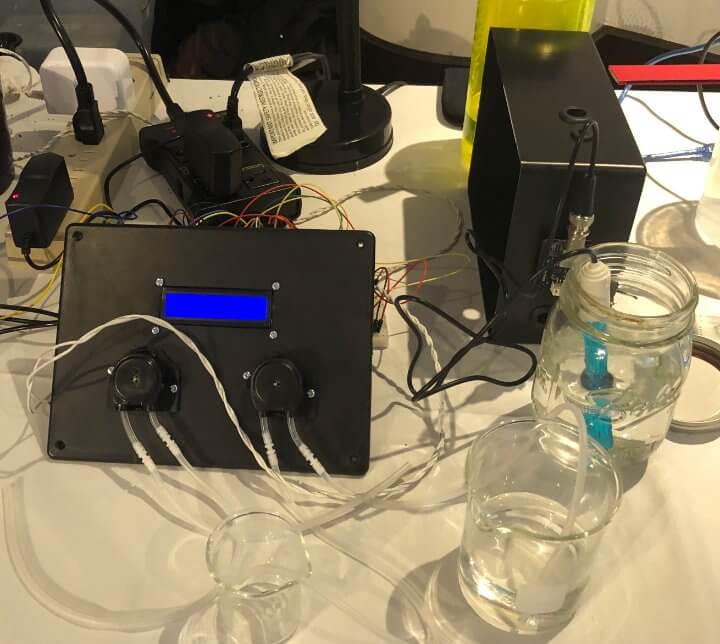
This data is viewed on the widget dashboard on both the monitor and any mobile device with an app.One Arduino uno is dedicated to controlling a panel of 4 dosage pumps using a TIP120 transistor to distribute appropriate volumes of nutrient solutions and pH adjusters in the reservoir.
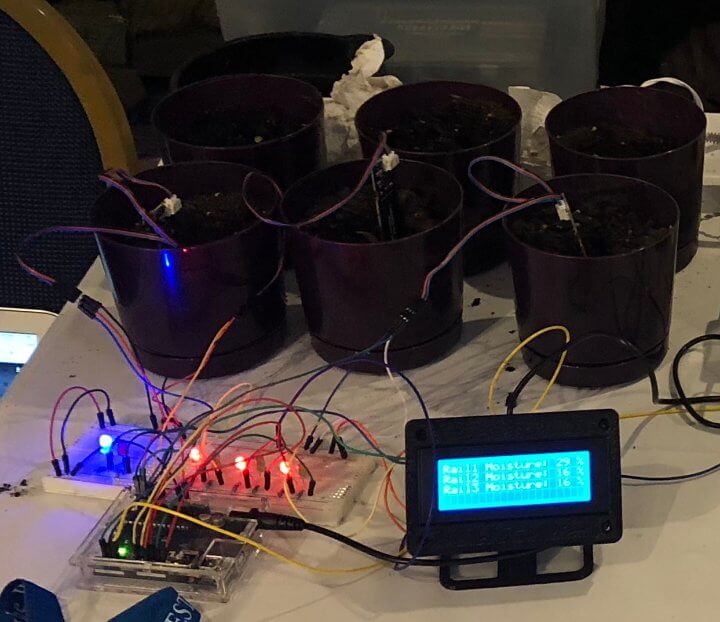
Another Arduino uno reads an array of moisture sensors and switches water pumps using relays to ensure adequate soil moisture.
A third Arduino uno reads water temperature and activates cooling fans affixed to the reservoir lid when it gets too warm.
An Arduino nano is used to feed variables to a second Pi running an image that can interact with the Google AIY voice kit. This allows for verbal user interaction to request system temperature or to activate water pumps, circulation fans, and grow lights.
A final Arduino nano conditionally wipes a 16 foot string of neopixels according to the ambient temperature of the lab. It also turns the arm of a servo which acts as a dial for indicating the temperature similar to a clock.”
What was your biggest struggle as you worked through this project?
“All of the coding and wiring was self taught while bleary eyed and rocking my daughters to sleep. (I feel your pain!)
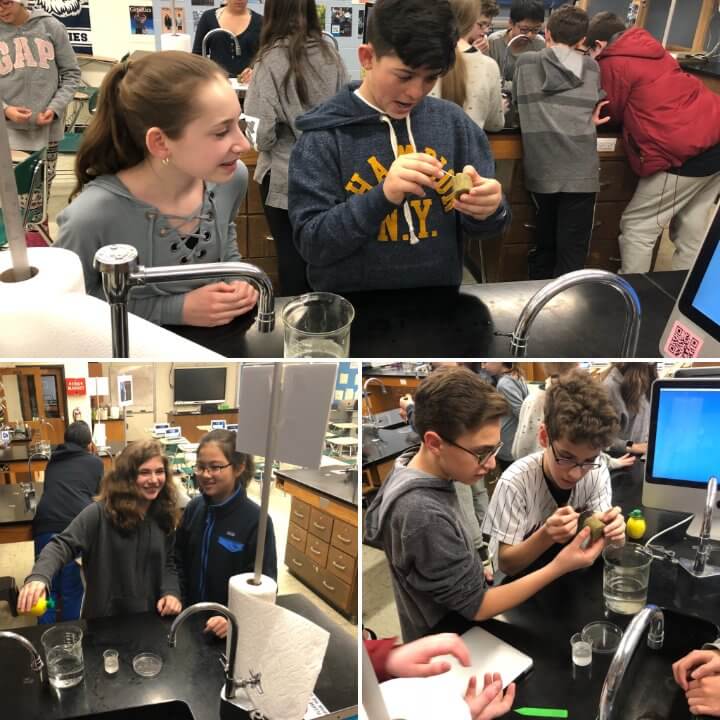
I would then have to turn what I learned into a tutorial that my students could use to both wire their project and then code it. Debugging was often a parallel effort for both my students and myself.
It kind of made it better and we all had an appreciation for the process as a result.”
Did the project end up as you expected?
“We ultimately wanted to multitask fewer Arduino, but we found that making the system more modular allowed for increased interaction with the final product. It also allowed teams to independently build and test their part of the project.
One issue we still have not resolved is how to run some of the 12V components without getting interference on the sensors that are conditionally running them. There is some noise we are trying to filter out from the induced EMF.”
Looking back on this project, what can you say you have learned about programming and/or electronics through the creation process?
“This has been a “from scratch” effort. We’ve literally learned everything from creating a variable all the way up and through interacting with third party APIs for viewing.”
What type of Arduino board, Arduino clone, or Arduino compatible board does your project use?
Arduino Uno, Nano, Mega, and Raspberry Pi 3
What Arduino shields did you use?
Proto shield, Ethernet shield
What types of components did you use in the design?
LCD display, Button, Resistor, LED, RGB LED, NEO Pixel, Servo Motor, DC Motor, Pump, Distance Sensor, Moisture Sensor, Temperature Sensor, Potentiometer, Enclosure, pH meter, digital loggers relay switch, lux sensor, load sensors, ldr, transistors, capacitive touch sensor, cooling fan, dosage pump, Google AIY voice kit
How do you power everything?
Batteries, Wall Power, Via USB from my computer
Did the training at Programming Electronics Academy help build your skill?
“It was the magic unicorn I had been searching for while tumbling down the rabbit hole known as the Internet.”
Are there any final thoughts you would like to say about this project submission that we haven’t covered elsewhere?
“The community stacks on hackster.io, myDevices Cayenne, Arduino.cc, and Thingiverse have been instrumental.”
More about Chris:

Chris is a middle school science teacher in New York state. He’s been into electronics and programming for about 2 years, and brought his students along for the ride. He is clearly leading the pack when it comes to bringing electronics and programming into the classroom.









